10:00
Version Control & Workflow — WPM Summer School
analysis_FINAL_v3_REALLYFINAL_USE_THIS.Rregression_new_new_ACTUALLY_final.Rdata_cleaning (1) (kopie) (fixed).RThat is what version control can look like.
This afternoon, we’ll learn how to make it better and how to work collaboratively 😊
Think of a commit as a checkpoint you can always travel back to
Git
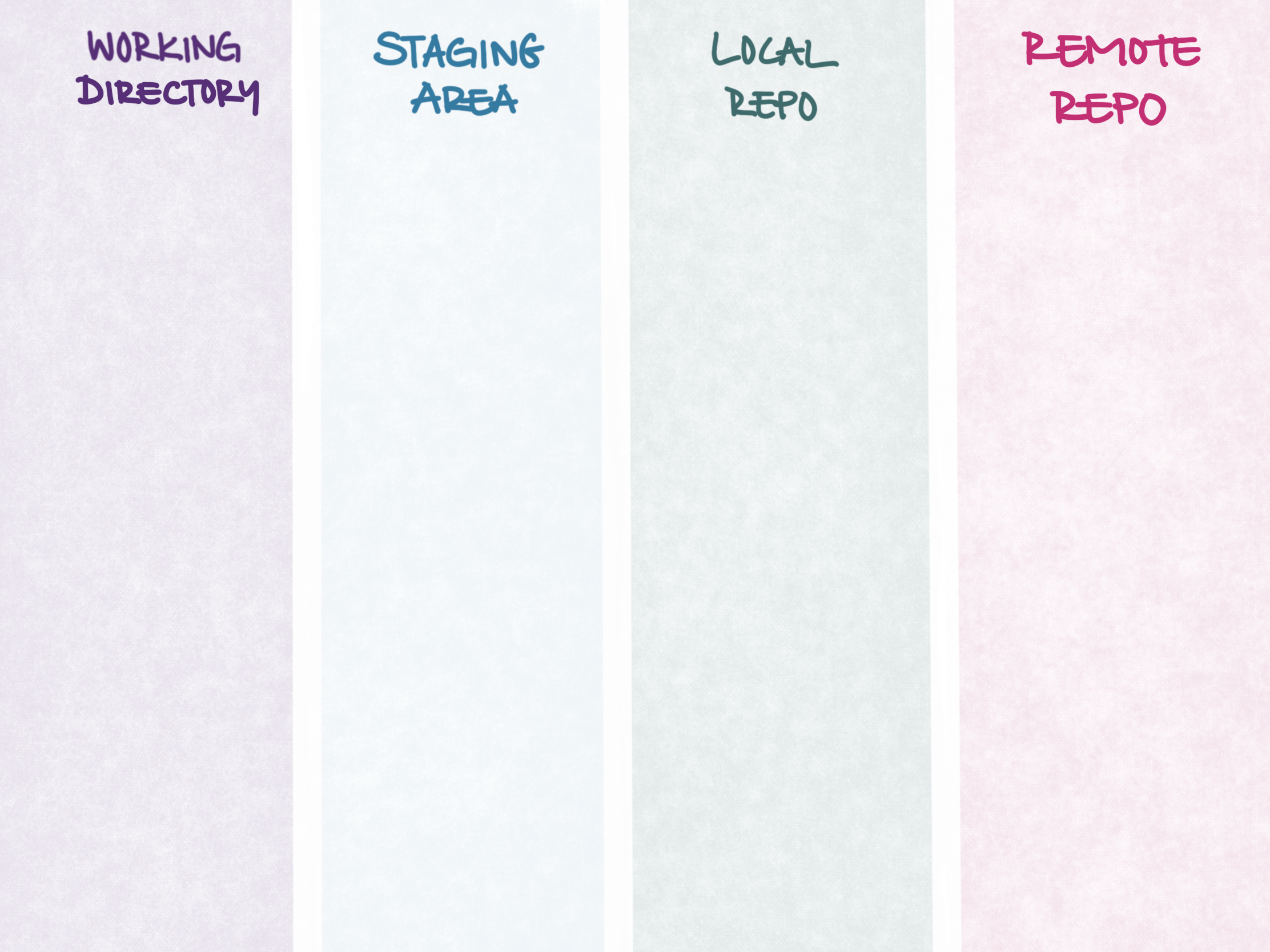
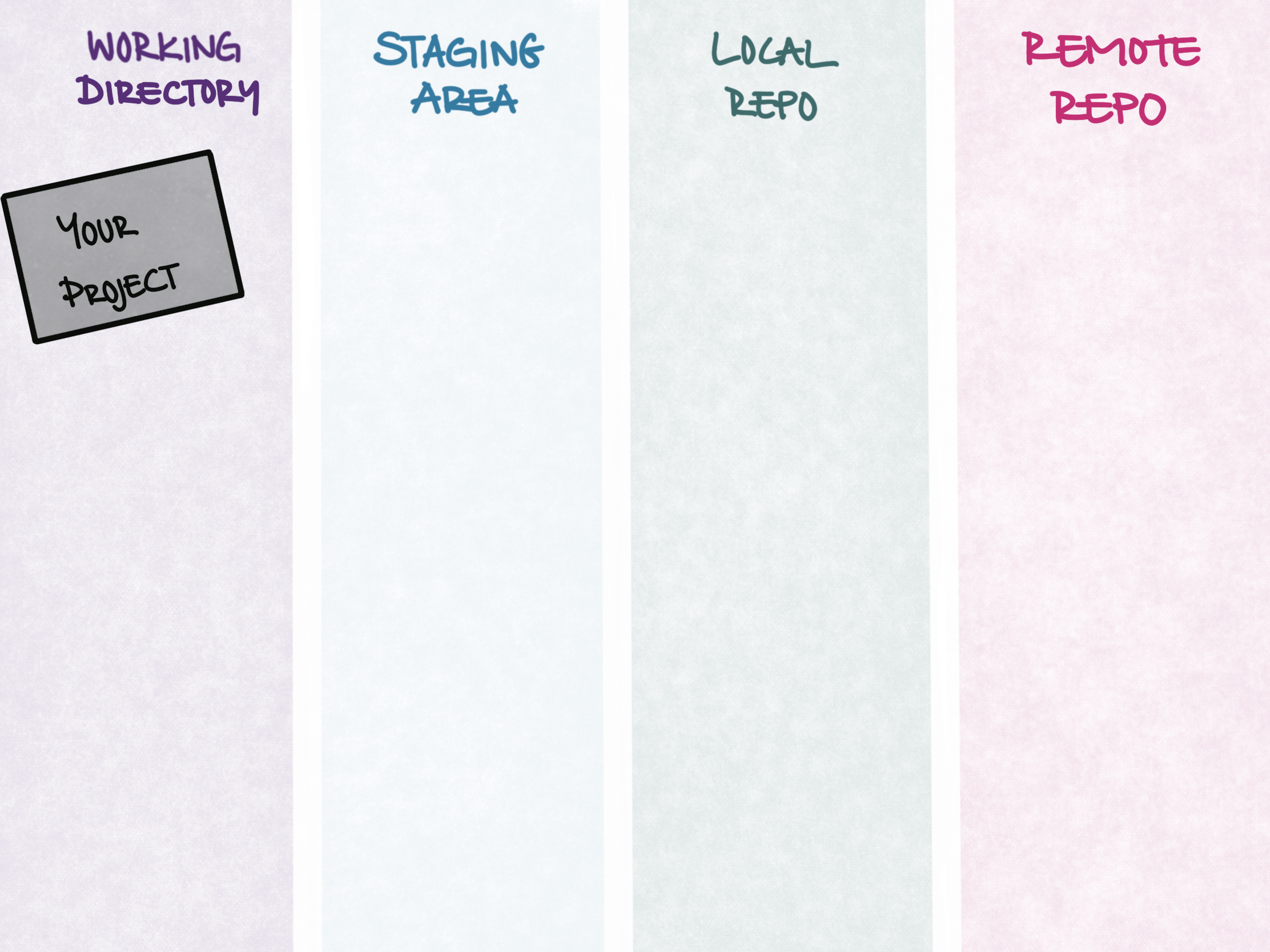
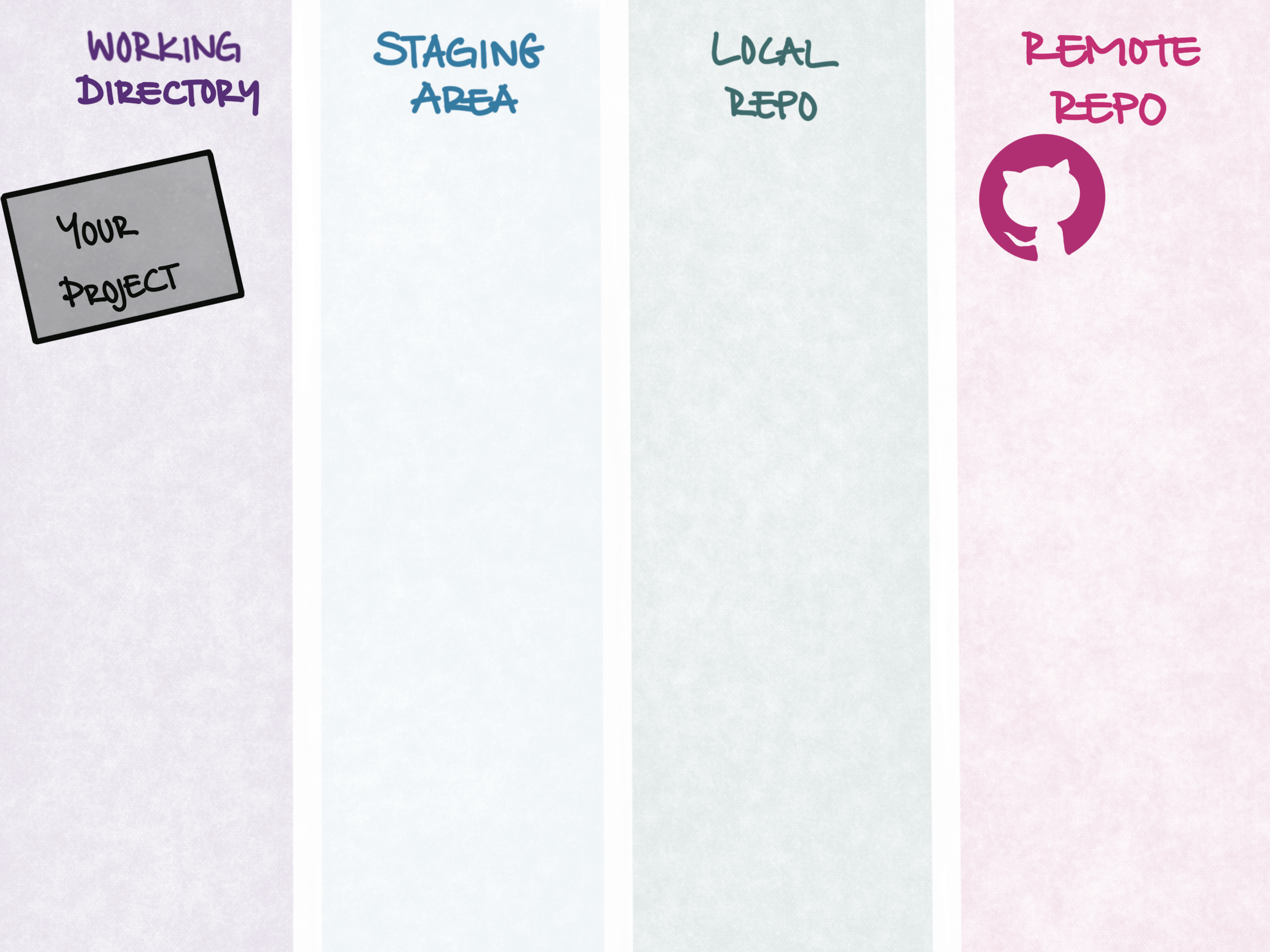
The engine on your laptop that takes the snapshots.
Works with no internet.
GitHub
The platform that hosts a copy. Back it up, share it, collaborate.
Needs internet.
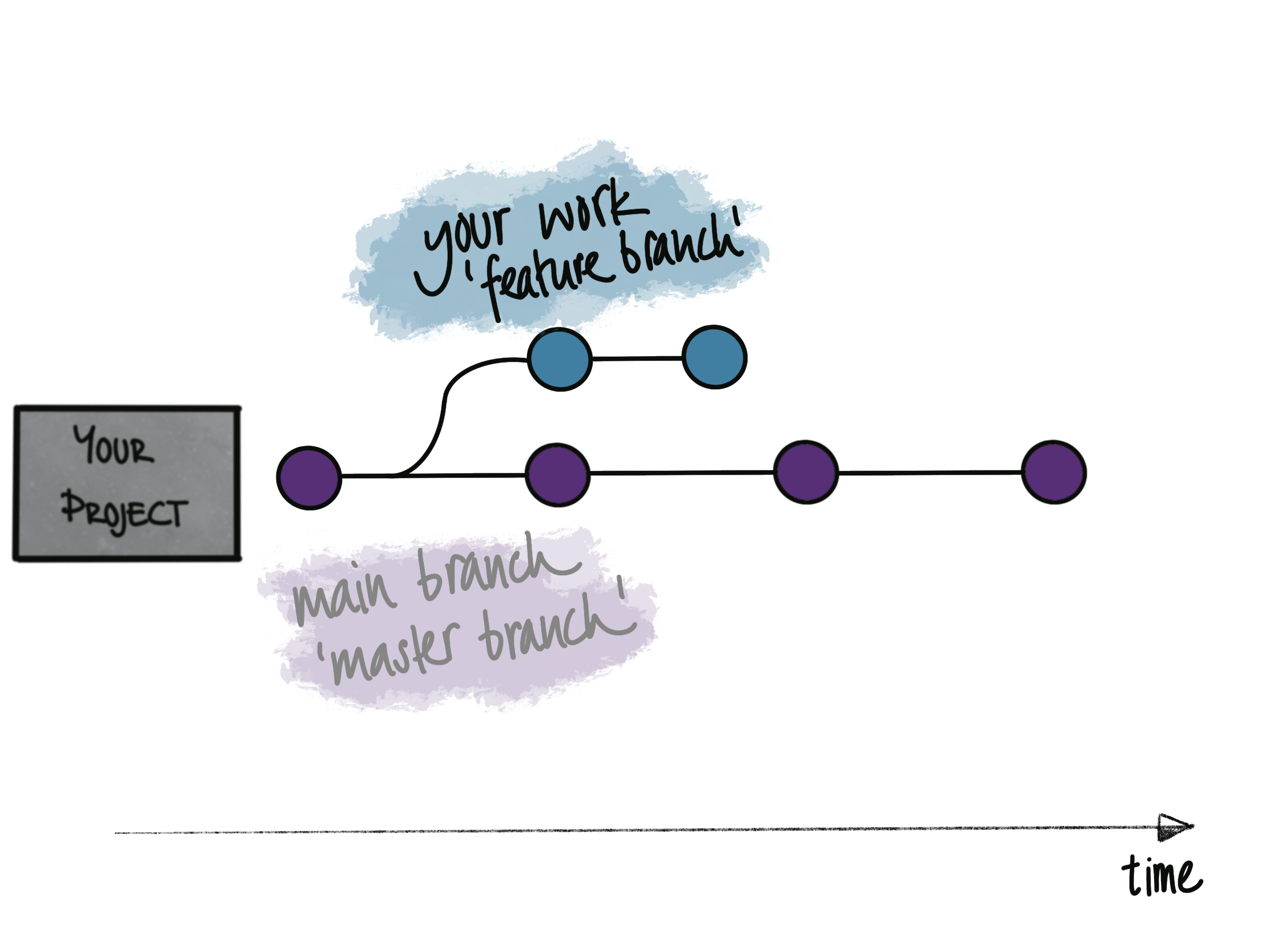
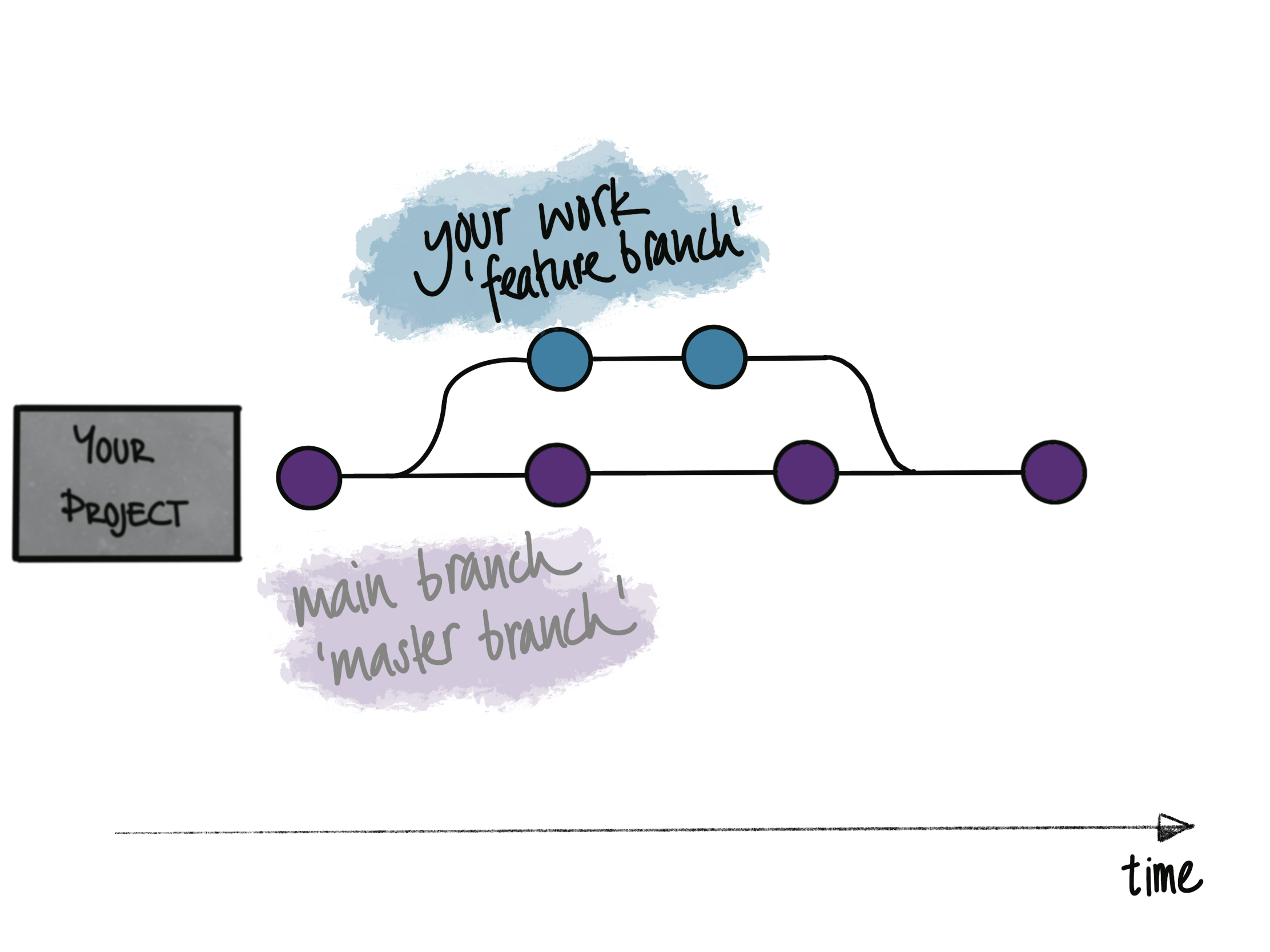
From linear snapshots …
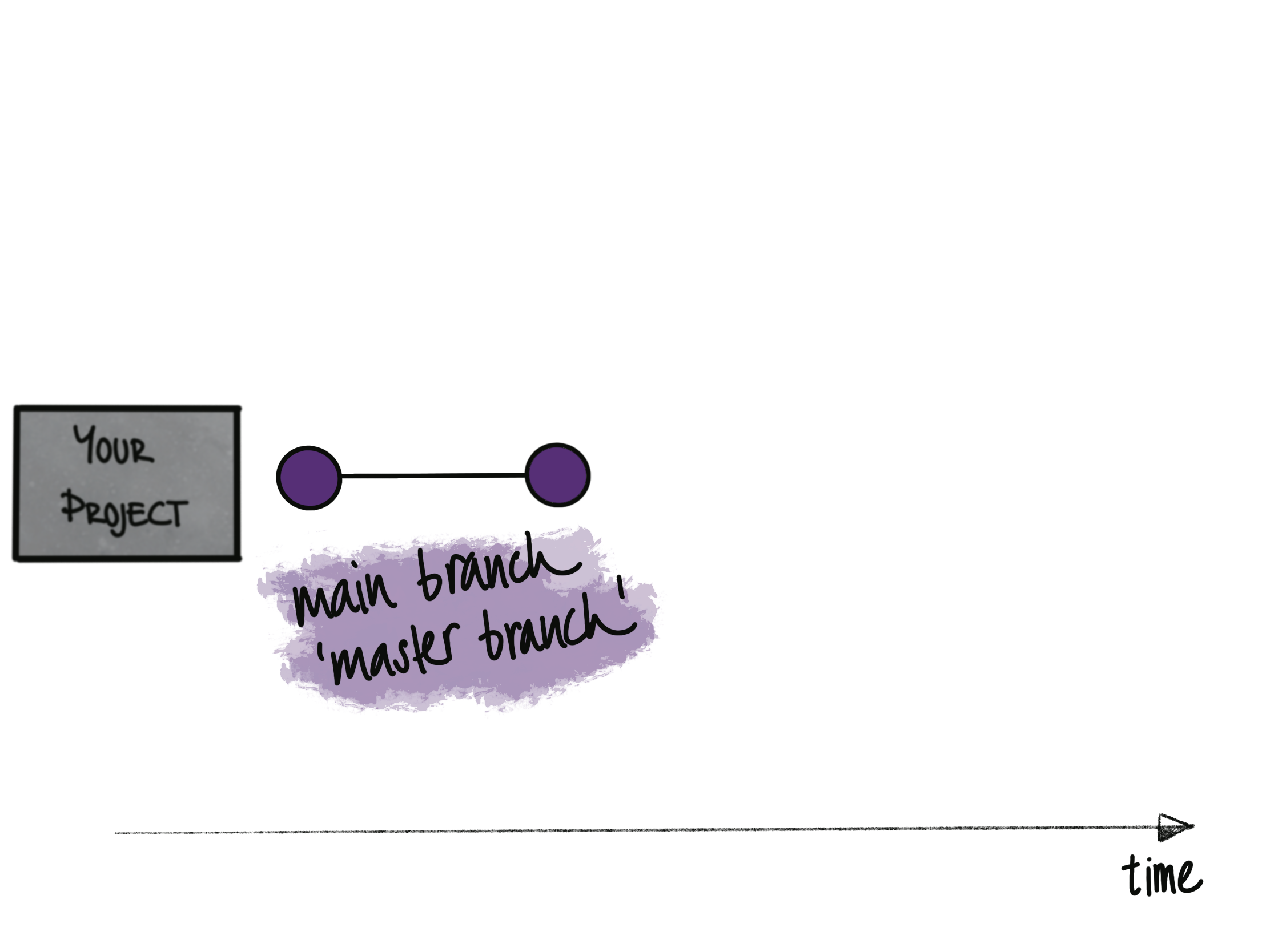
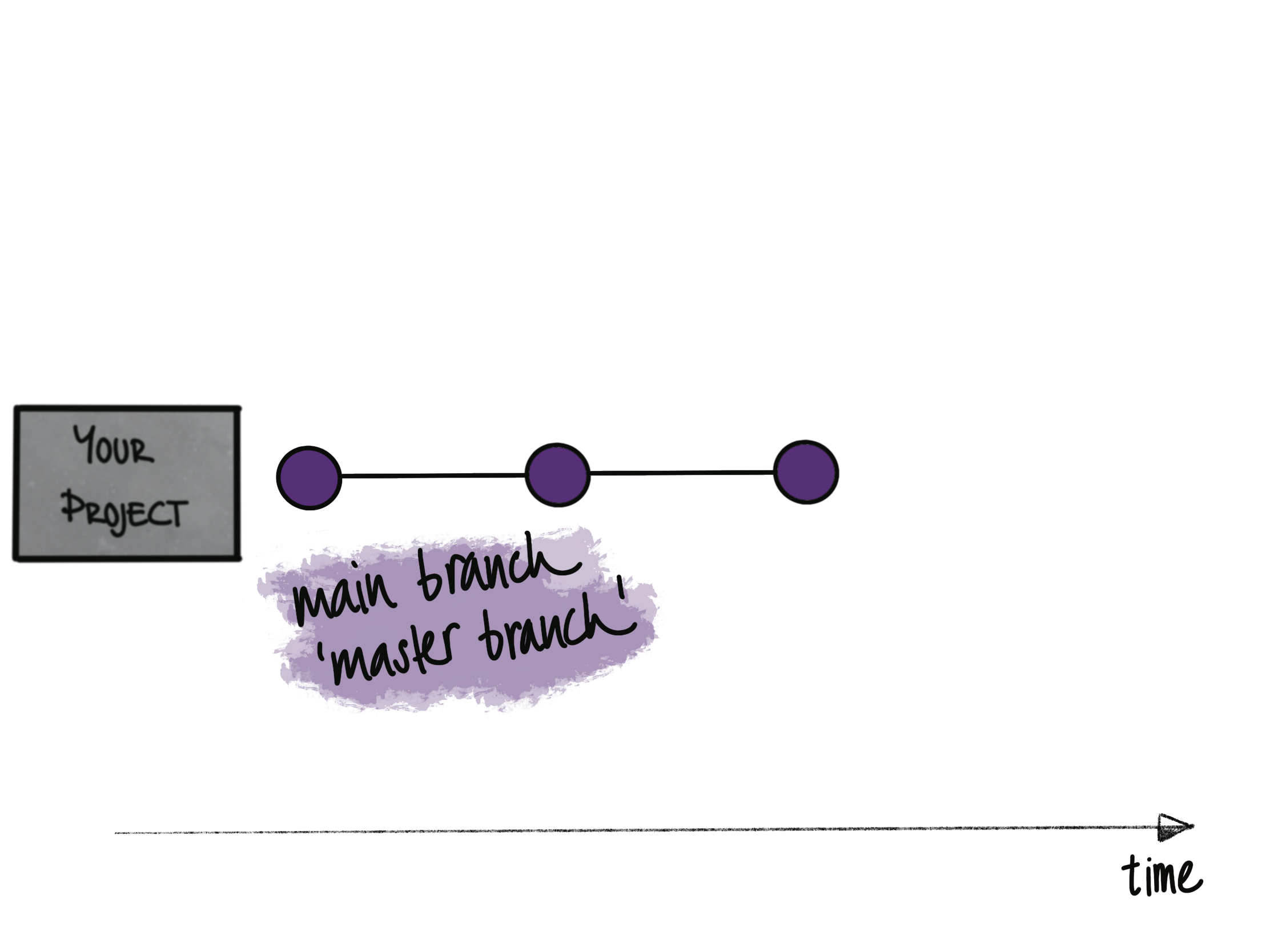
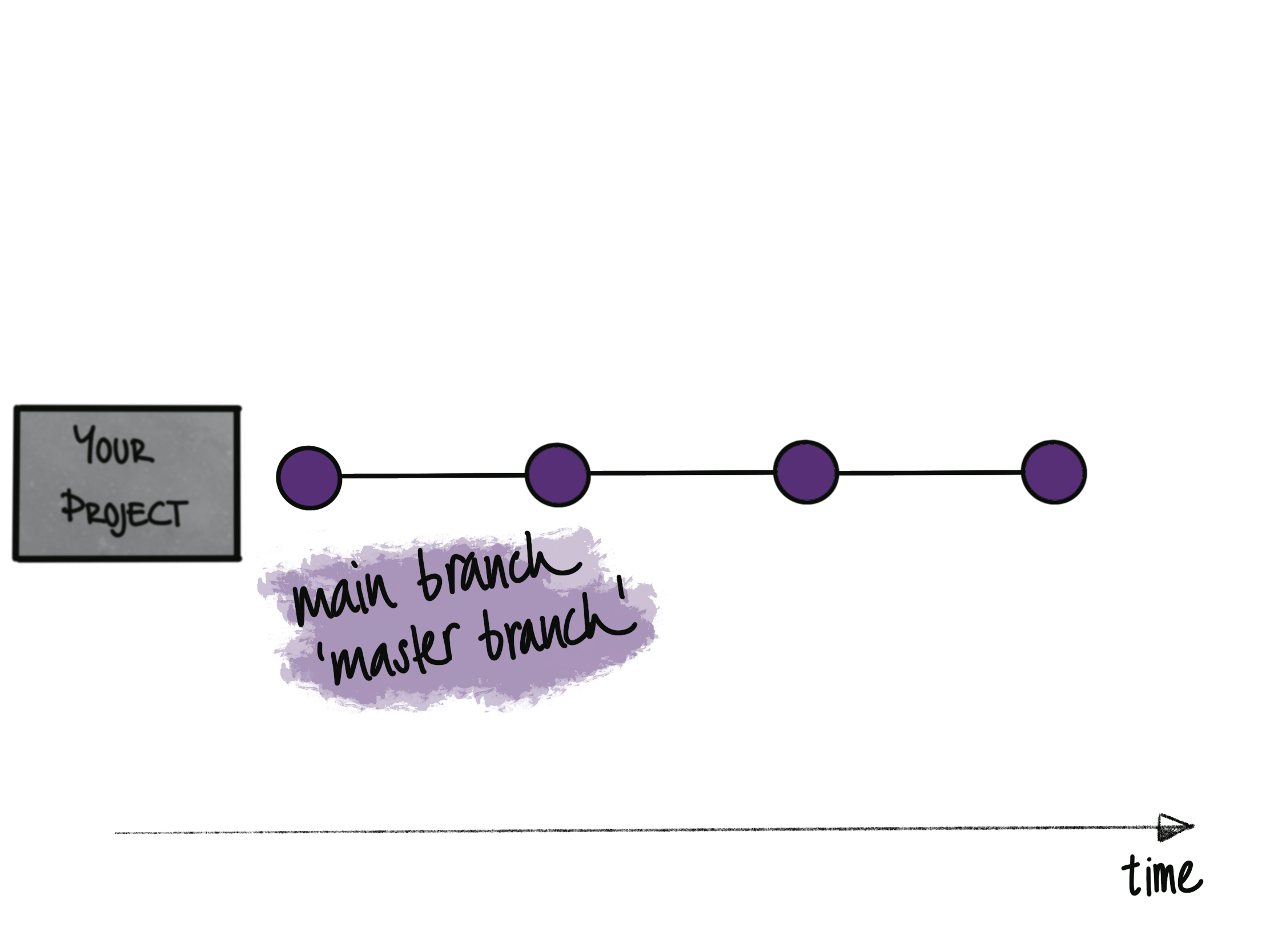
So far, your version control is one straight line of snapshots
edit → commit → edit → commit
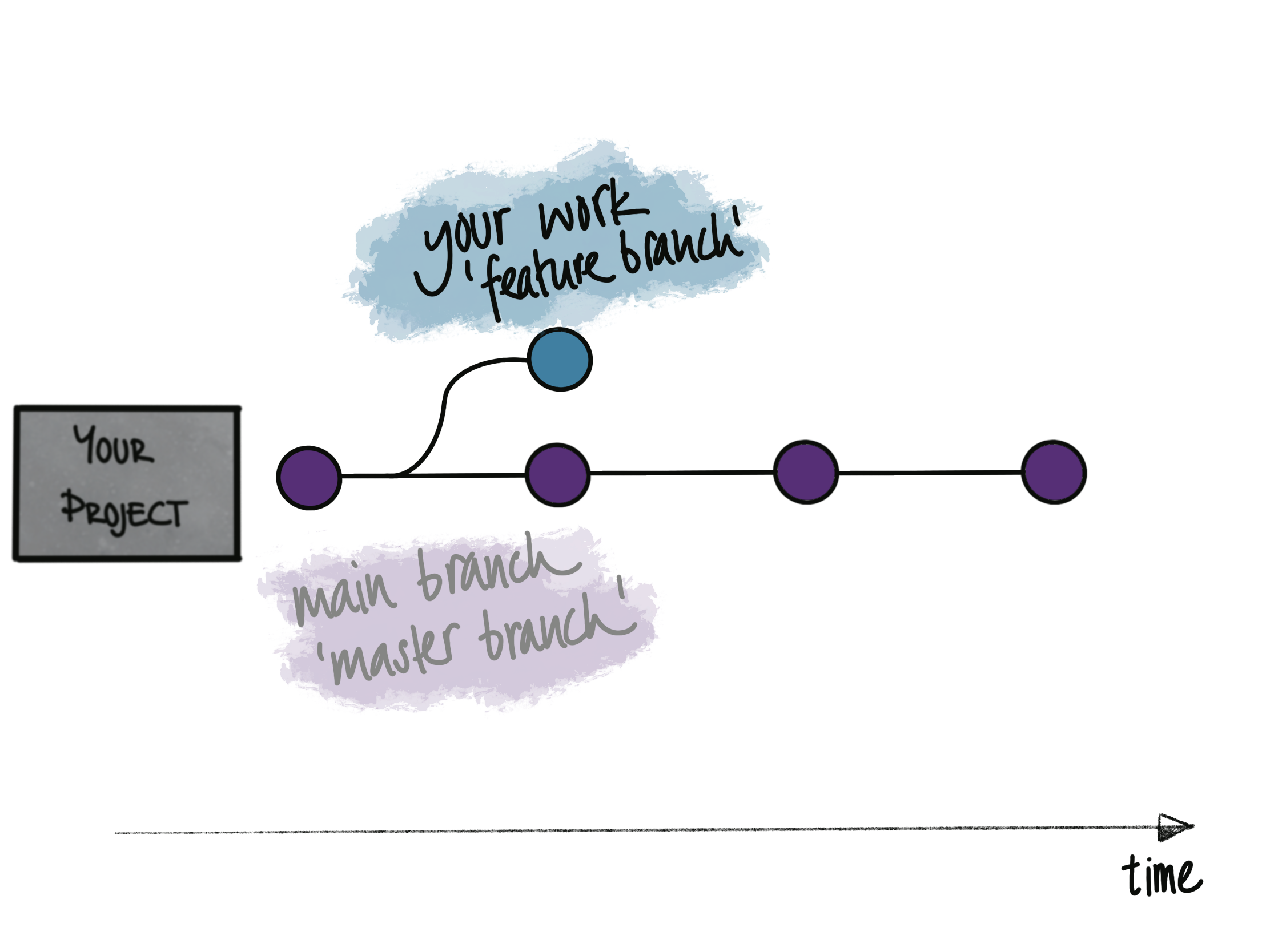
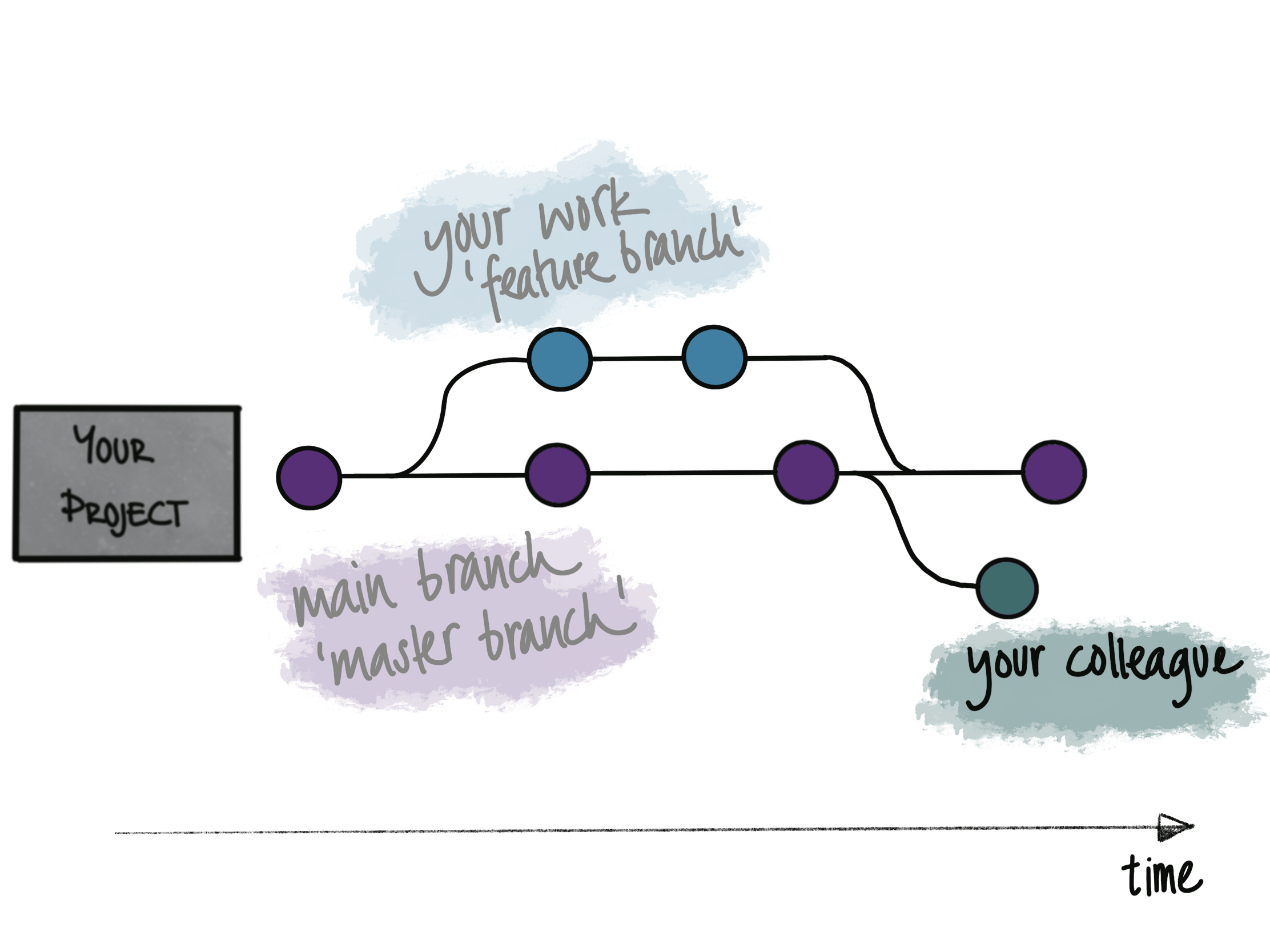
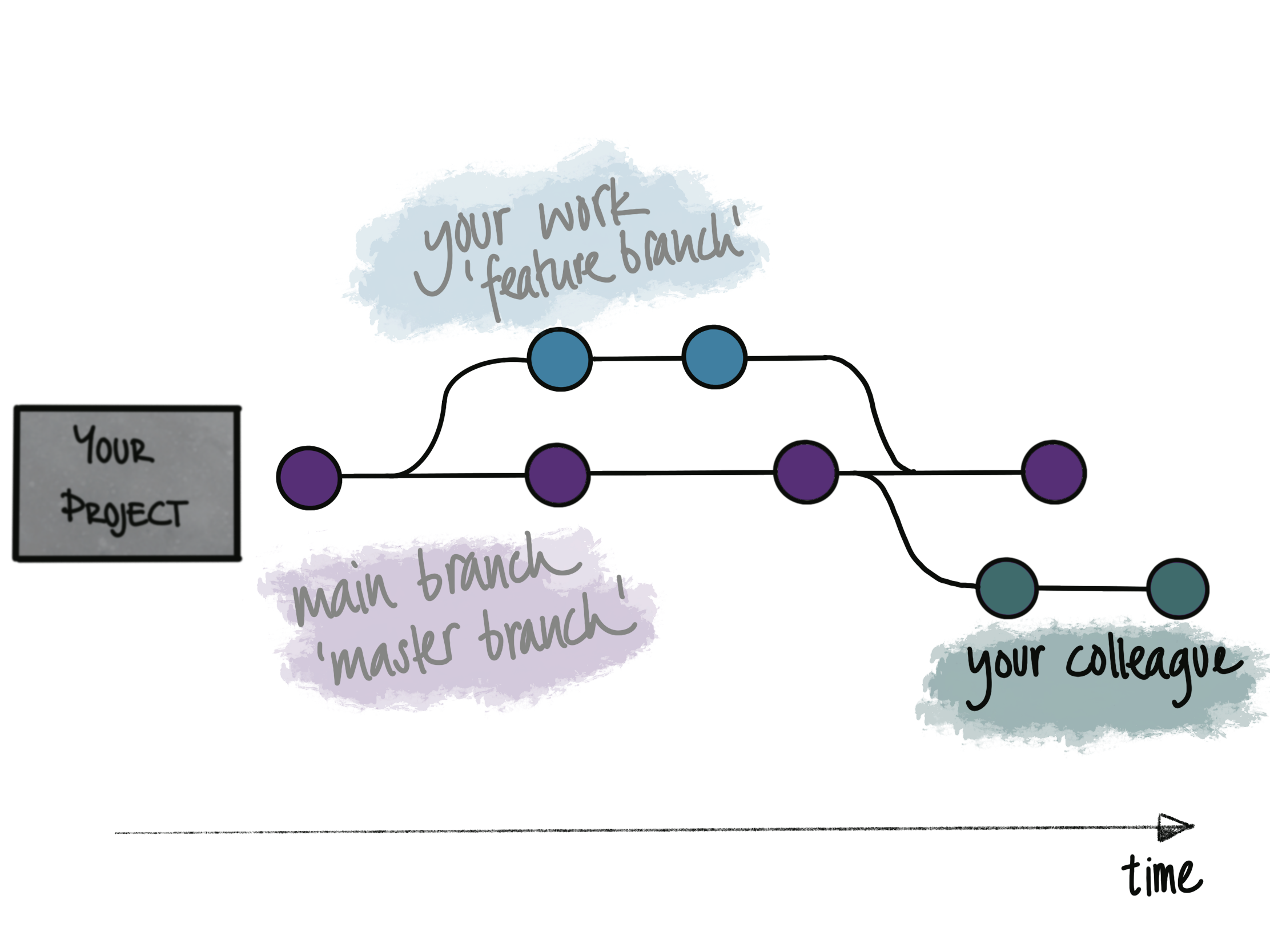
But research isn’t linear.
You try a new model,
play around with your EDA,
your co-author has another idea,
…
But you don’t want working things to break.
… to branches 🌱
main
main
main
main
main
main
main
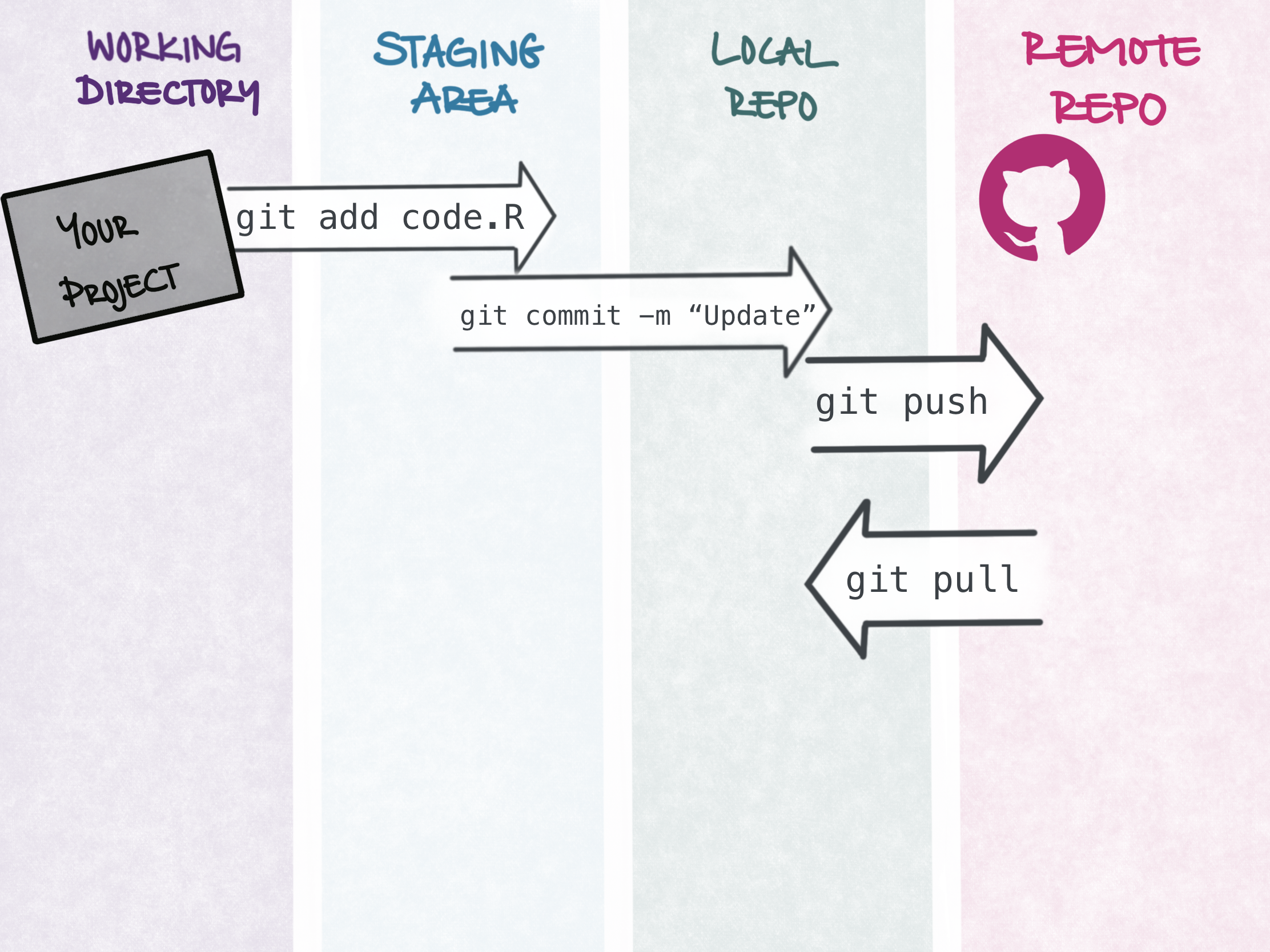
git pull
git status
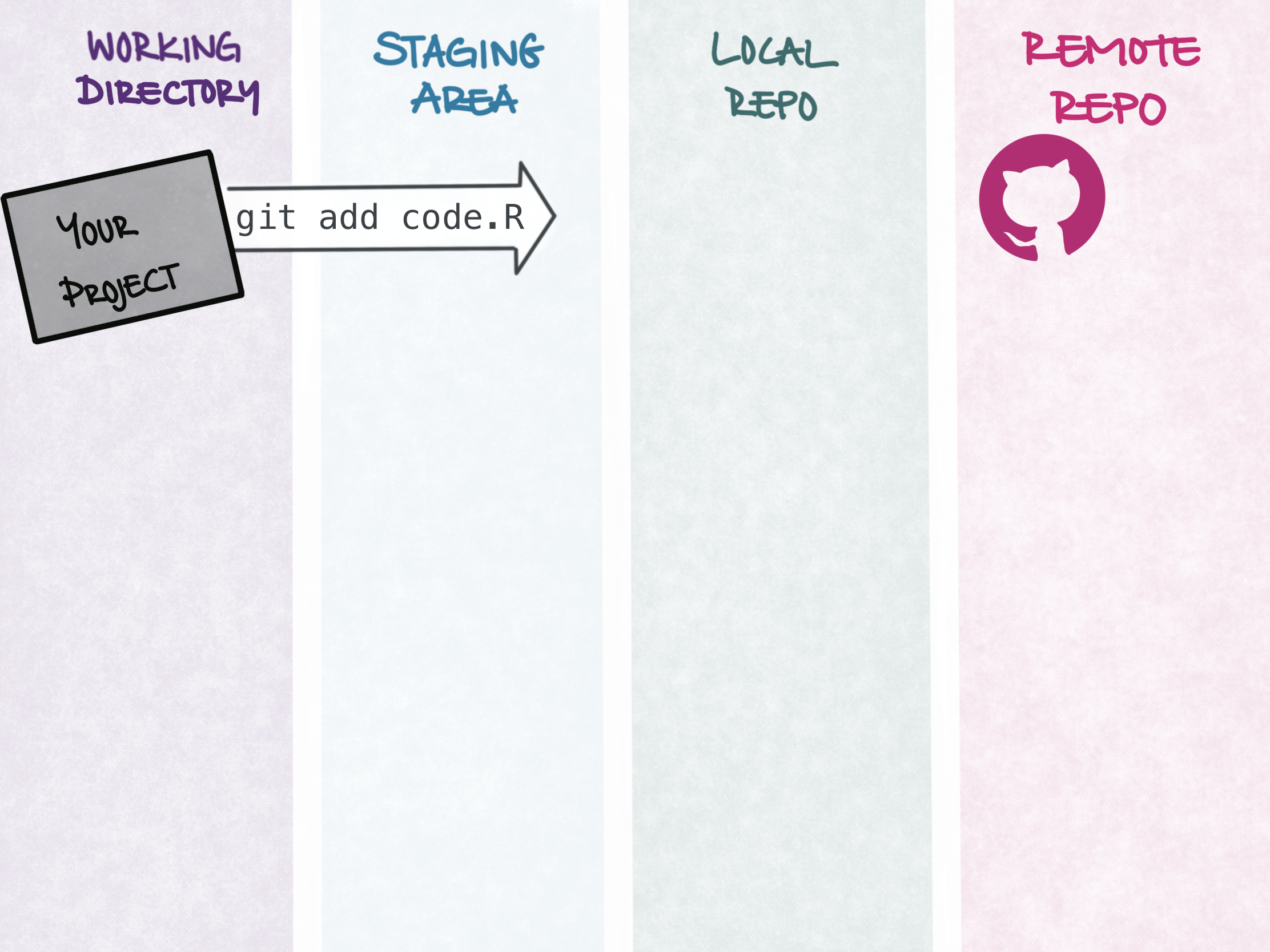
git add code.R
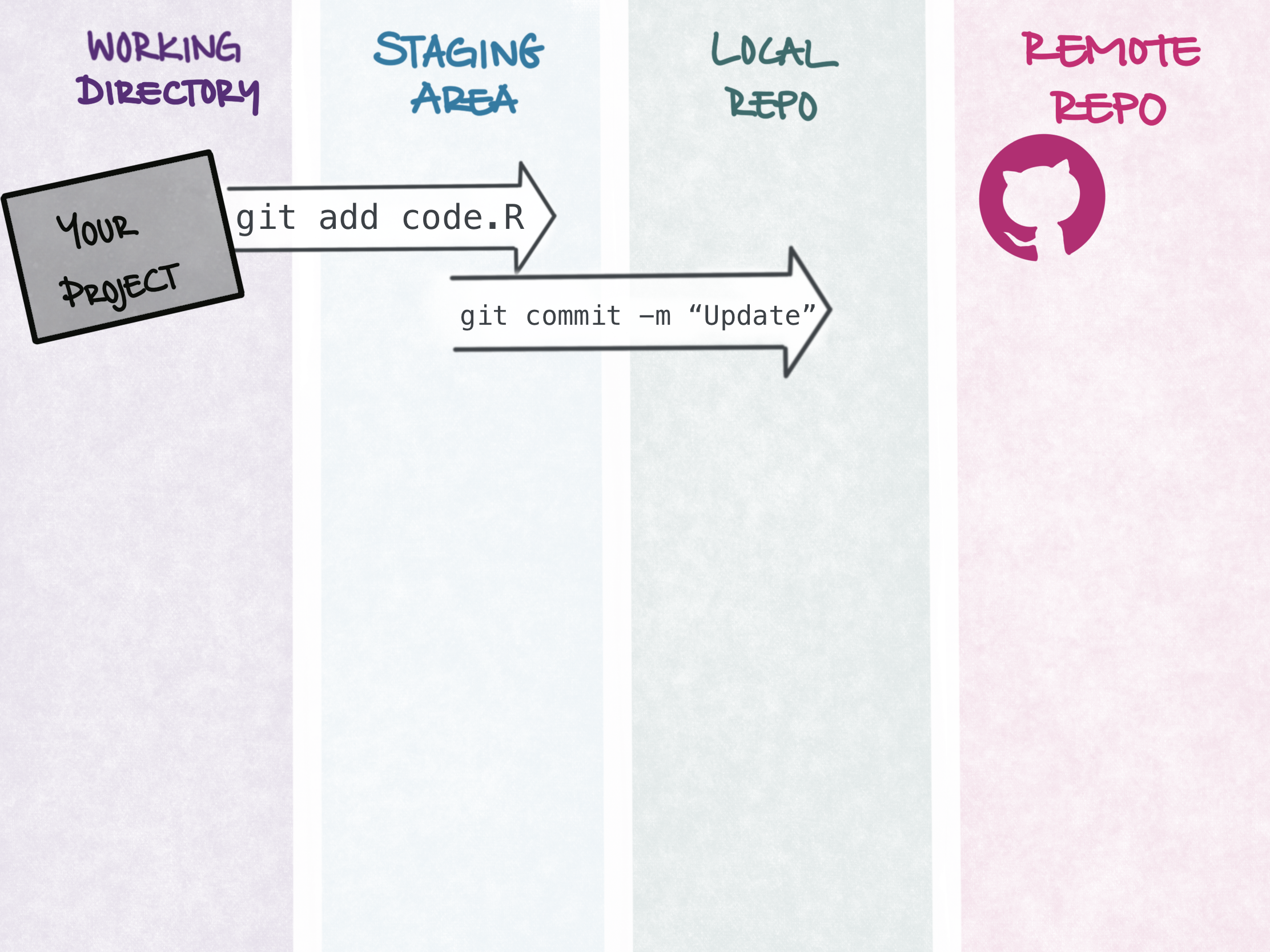
git commit -m "feat: Function add_code() added"
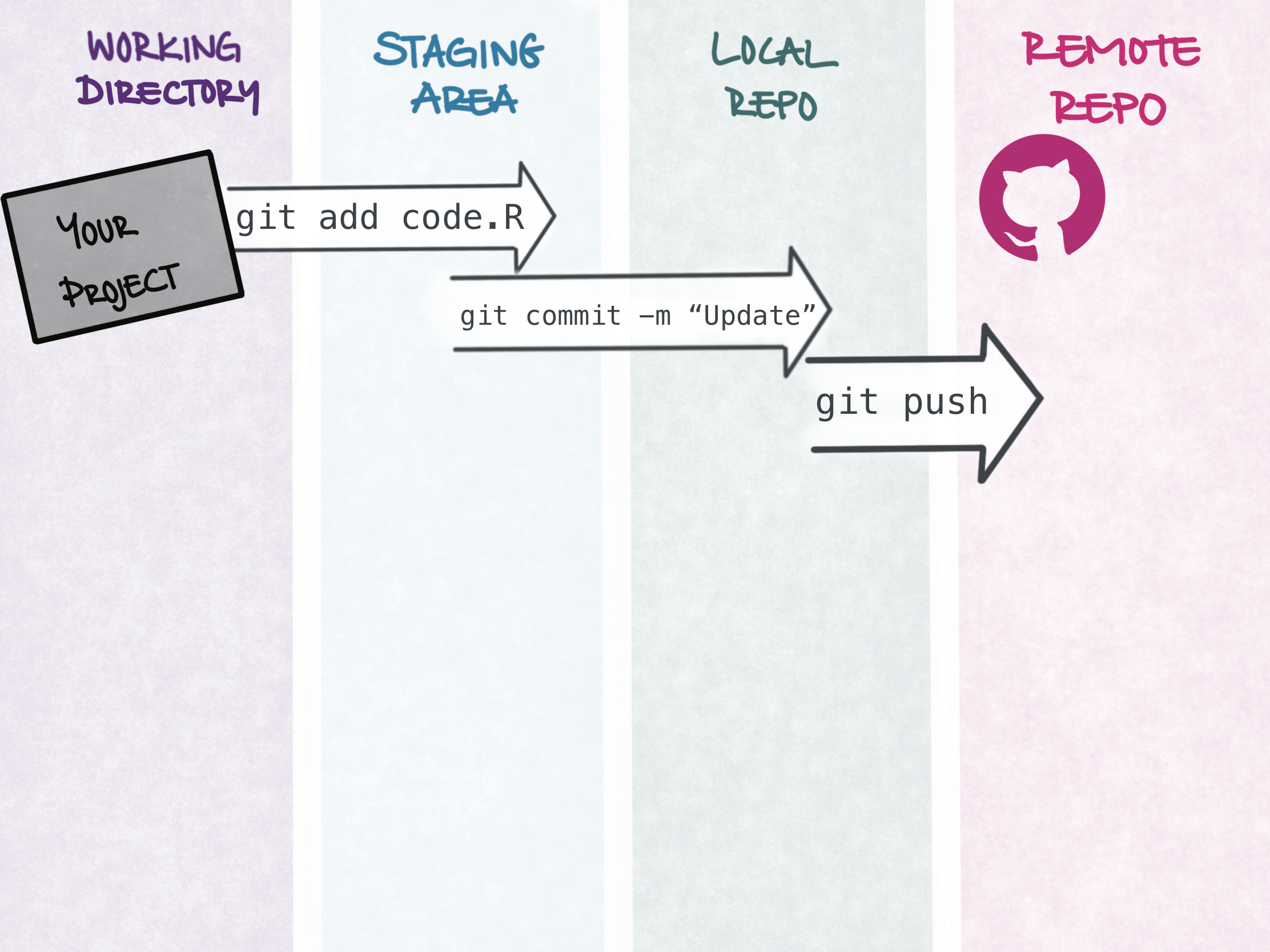
git push origin main
git status… but it’s built right into Positron / RStudio 👩🏼💻
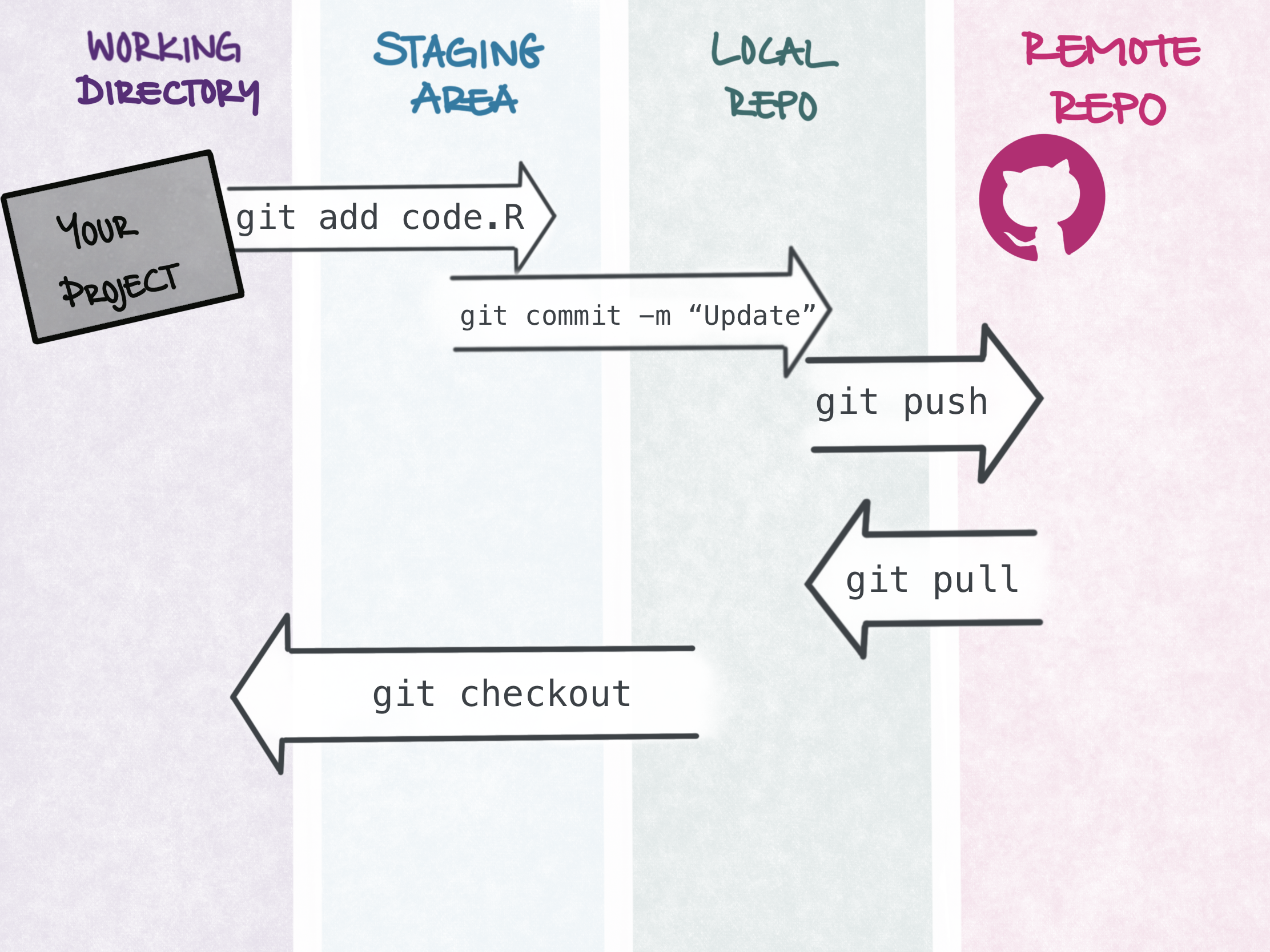
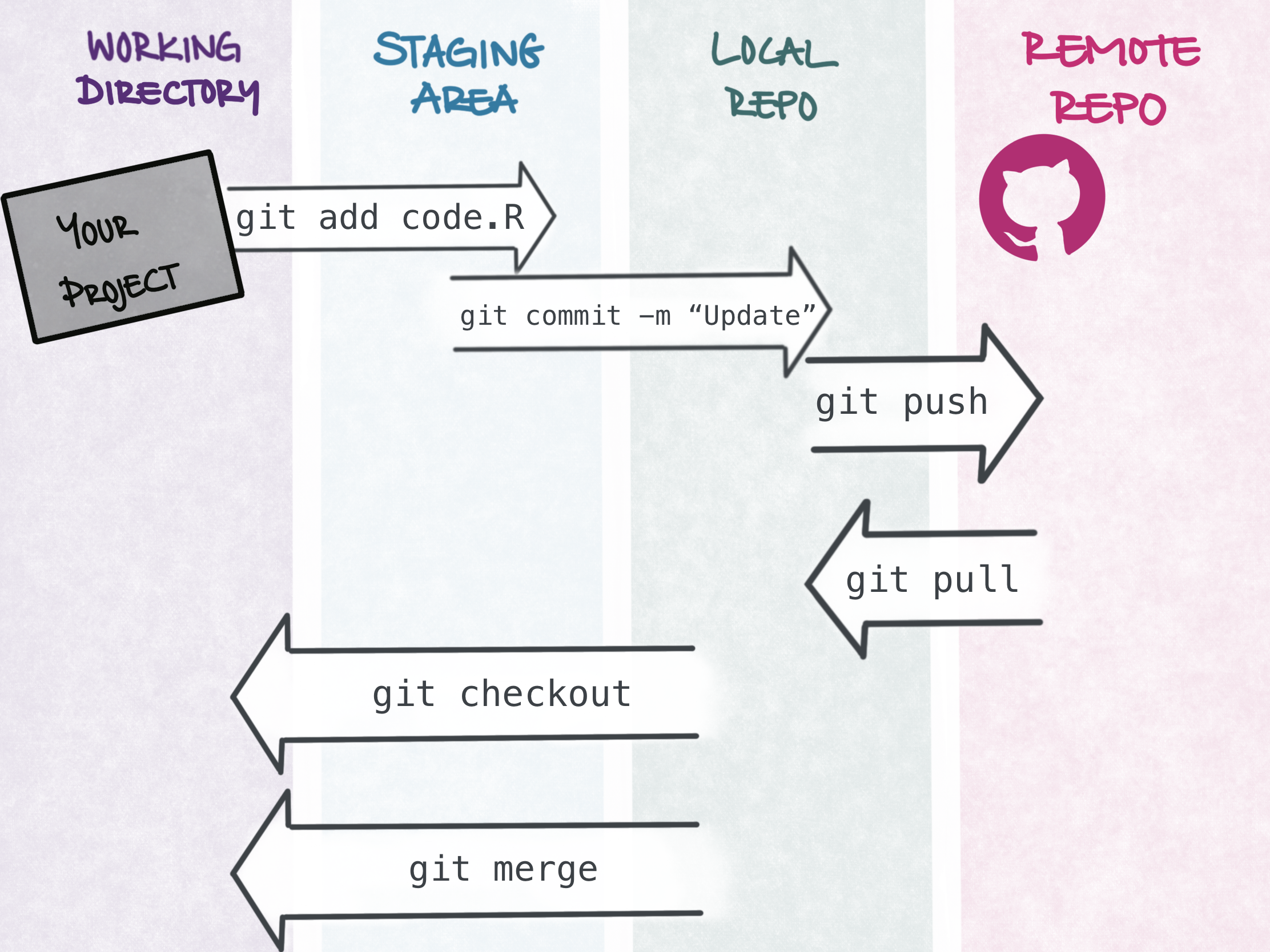
status add commit push pull checkout
status see what’s changed
add stage a file for the next commit
commit save a labelled snapshot
push send your commits to GitHub
pull bring others’ commits down to you
checkout switch to another branch
Open the terminal in Positron (View → Terminal) and run:
A version, your name, and a credential helper (e.g., osxkeychain) → 🎉
No token yet? → github.com → Settings → Developer settings → Tokens (classic) → scope repo.
Your first commit lives only on your laptop.
Let’s connect them to GitHub.
git clone https://github.com/<username>/git-practice.git
cd git-practice
git remote -v # connected to GitHub as "origin"First git push asks you to log in → paste your token as the password (not your GitHub password).
Specific. Small. Finish the sentence: “This commit will…”
❌ Not the best
"update"
"fixed"
"asdf"
"try"
✅ Good
"Add clean_colnames() to snake_case columns"
"Fix clean_colnames() returning names, not df"
"Update docs for make_stats()"
"Add tests for clean_colnames()"
✨ Better
"feat: Add clean_colnames() to snake_case columns"
"fix: Fix clean_colnames() returning names, not df"
"doc: Update docs for make_stats()"
"test: Add tests for clean_colnames()"
.gitignore - your safety guard⚠️ .gitignore only stops future tracking
It’s a sandbox — you can’t lose committed work, no matter what.
clean_colnames.R again, don’t commit yet → git status then git diff: what’s the difference?Bonus
git restore --staged <f>git restore <f>git log --oneline for your trail of (good!) messages → git show HEAD to peek inside one10:00
10:00
Everything so far has been you, on your own laptop.
Git’s magic is working with other people.
“Here’s me trying out things — please review it and move it to the working version.”
Once a PR is merged, bring the new work down to your machine:
Watch everyone’s files appear 🎉
Two branches changed the same line:
git add → git commit -m "fix: Solve merge conflict" (or git commit --no-edit)Follow 1_exercises/EXERCISE.md in the shared repo:
2_functions/<you>.R → Pull Request (take 2_functions/EXAMPLE.R as inspiration - this is the “happy path”)2_functions/country_names.R as your pair → conflict → resolve it30:00
You can now track, version, and collaborate
Let’s end with something just for you — making you findable
Create a public repo named exactly your username → add a README.md → it shows on your profile.
status add commit push pull checkout
.gitignore first — on anything with data or secretsgit status whenever you’re confusedGit & GitHub · WPM Summer School · © Cosima Meyer · CC BY-NC-SA 4.0